12 MiniBattles Unblocked — Play Free Online
More 2-Player Battles games
12 MiniBattles unblocked: play 12 MiniBattles online free right here in your browser — no download, no sign-up, works on a school Chromebook.
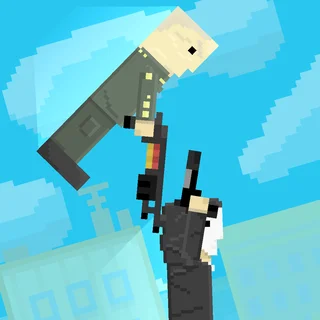
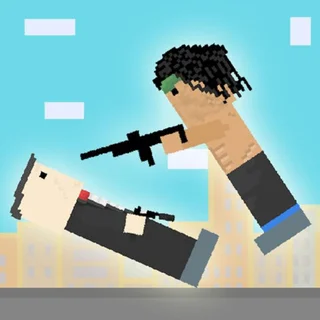
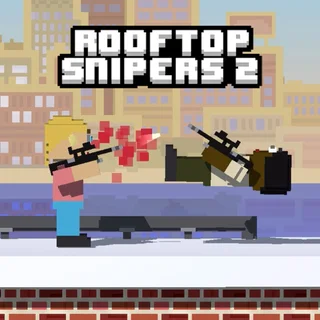
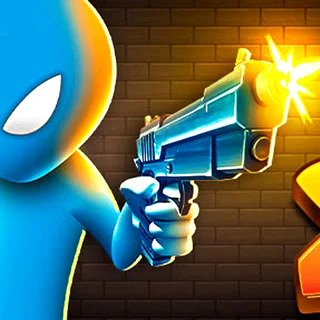
12 MiniBattles is a chaotic, local two-player party game created by Shared Dreams Studios that strips arcade competition down to its purest form. Rather than demanding complex combos or lengthy tutorials, every match drops two competitors into a rapid cycle of bite-sized duels where each participant relies on just a single button. From Wild West quick-draw shootouts and rooftop sniper standoffs to clumsy soccer kicks, tank skirmishes, and tug-of-war button mashers, the game tests reflexes, timing, and composure under pressure.
Sessions move at a breakneck pace. Each mini-game lasts anywhere from three to fifteen seconds, giving trailing players an immediate chance at redemption in the next round. The central scoreboard keeps an honest tally of victories, turning casual desk battles into intense rivalries. For visitors of Football Bros who enjoy competitive head-to-head showdowns, 12 MiniBattles provides the ideal break when you want instant multiplayer action without managing playbook depth or roster fatigue.
How to play
Everything in 12 MiniBattles takes place on a single screen using one keyboard:
- Player 1: Uses the designated left-side key (typically the A key or W key).
- Player 2: Uses the designated right-side key (typically the L key or Up Arrow).
At the start of every duel, an on-screen prompt clarifies the current active key and objective. In timing-based games like archery or shootout duels, holding and releasing your key determines your aim angle or shot power. In tap-heavy mini-games like tug-of-war or swimming sprints, victory goes to whoever mashes their button faster. Once a round concludes, the winner receives a point on the overhead banner and the game smoothly loads the next challenge.
Tips for winning duels
- Watch the prompt before reacting: Because the mini-game rotation is randomized, taking half a second to verify whether the round requires rapid mashing or patient timing prevents costly accidental inputs.
- Master release timing on aiming duels: In weapon rounds like axe throwing and gun battles, your reticle moves along an arc. Releasing your button just before the target aligns accounts for projectile travel time.
- Stay relaxed during button mashers: Tense fingers fatigue quickly during prolonged tug-of-war duels. Use short, rhythmic tapping motions with your dominant finger rather than smashing the keyboard with your entire hand.
- Learn the physics bounce: In soccer and physics-based sports rounds, balls frequently rebound off walls and ceilings. Positioning your athlete slightly behind the initial rebound gives you an easy second-chance strike.
Similar games on Football Bros
If you enjoy head-to-head multiplayer on Football Bros, several other companion games offer great shared-screen competition. Basket Bros delivers exaggerated two-player arcade basketball with high-flying dunks and special moves. Football Masters provides fast two-on-two football matches complete with super shots and quick slide tackles. When you want deeper solo sports management after your mini-game duels, Retro Bowl lets you build and guide an entire football dynasty across full seasons.
Whether you have five minutes to settle a friendly score or want an extended tournament on a single keyboard, 12 MiniBattles delivers immediate, accessible fun that runs smoothly right in your browser.
Questions about 12 MiniBattles
Is 12 MiniBattles unblocked at school?
12 MiniBattles runs in an ordinary browser tab from footballbros.us.com, with nothing to download or install, so it plays on most school Chromebooks and work computers. If a network filter blocks the site, only that network's administrator can change it.
Can two people play 12 MiniBattles on the same keyboard?
Yes. The game is specifically built for local two-player battles on one shared keyboard, assigning dedicated action keys to each player.
What controls are used to play each mini-game?
Each player uses a single designated action button, such as A for Player 1 and L for Player 2, with the exact prompt displayed before each round.
Do I need to download anything to play 12 MiniBattles?
No installation is required. 12 MiniBattles runs directly in modern desktop and mobile browsers with no extra downloads or setup.
How does the score tracking work during a match?
The game maintains a running score tally at the top of the screen, granting one point per round until a player achieves the target win count.